Local archive, image, PDF, and automation tools in one quiet Windows app
Karuzip separates archive operations from local document batch tools and keeps every file on your computer. Reading or extracting a format does not imply creating it.
Archive extraction & creation
Inspect contents first, extract only what you need, or pack files with AES-256 encryption and split volumes.
Browse all 320 formats ›Browse large archives smoothly with virtual scrolling, search and sort entries, check item counts and uncompressed size, and extract only selected files or folders.
Fix garbled filenames in older ZIP and LZH archives by switching between UTF-8, Japanese (CP932), Korean (CP949), Simplified Chinese (GBK), and Traditional Chinese (Big5) before extracting.
Create ZIP, 7z, TAR, GZ, BZ2, XZ, WIM, CAB, and ISO archives. ZIP and 7z support AES-256 passwords and split volumes (choose 7z to also encrypt filenames). RAR is extract-only.
Run integrity checks before sharing or extracting. If an operation fails or is canceled, Karuzip removes only newly created temporary output and never touches existing folders.
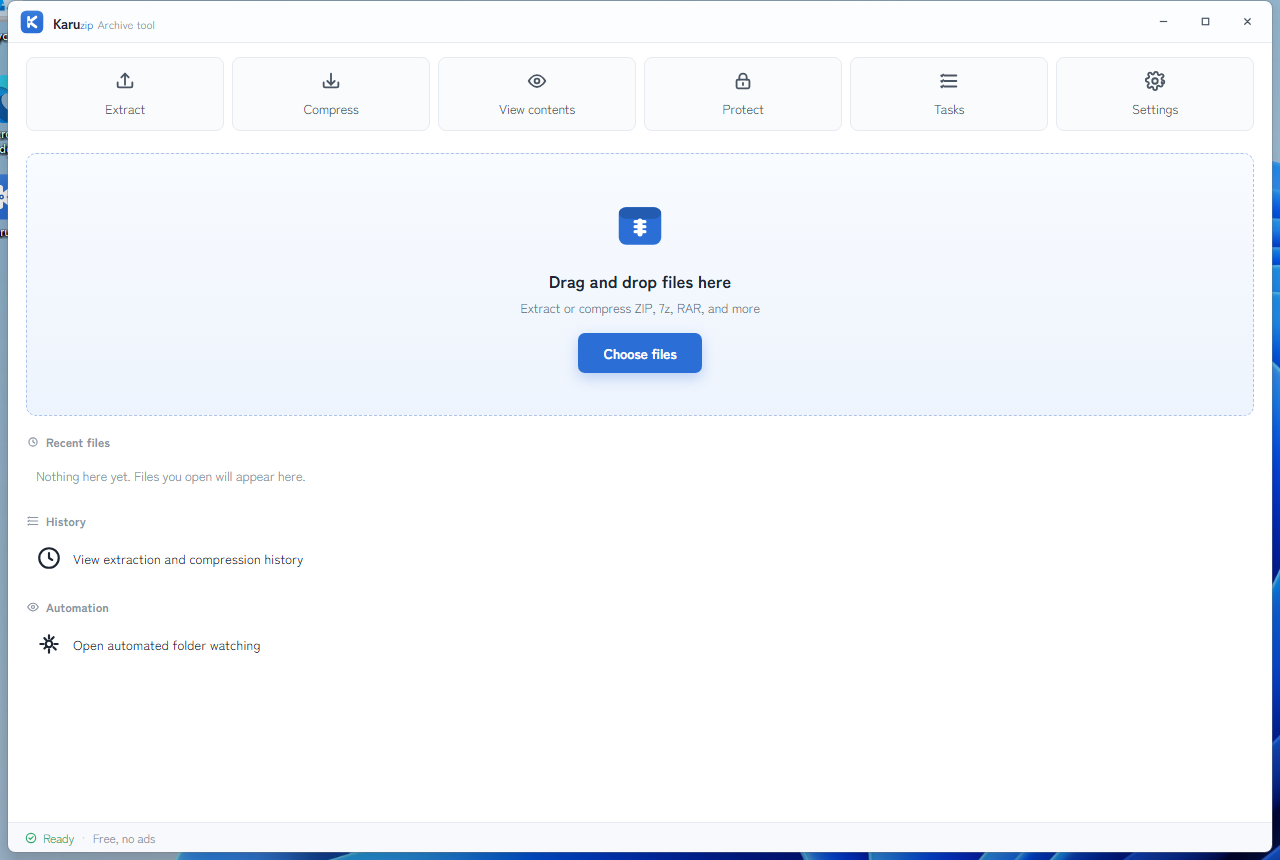
Image & PDF workbench & File Collect
Added in Karuzip 3.0.0 to handle everyday local file prep without uploading sensitive documents to web services.
Batch-process JPEG, PNG, and WebP images locally on your PC while preserving originals and writing clean output files.
Combine PDFs, extract selected page ranges, reorder pages, or shrink file sizes offline with zero cloud uploads.
Gather matching files from nested folders (file.collect) and copy or pack them straight into a clean archive.
Automate incoming archive extraction, batch health checks, or compress-with-verify templates. Watching runs only while Karuzip is open—never as a hidden background service.
CLI & local MCP server
Included in the official website installer for scripts, terminals, and local AI coding agents.
CLI reference › MCP server setup ›karuzip-cli provides 13 structured JSON actions for inspection, extraction, compression, integrity checks, and file collection. karuzip-mcp exposes 21 local MCP tools inside allowed workspace roots (6 read/management tools without roots), with confirmation tokens (confirm_token) and staging verification on writes.

Try Karuzip 3.0.0 free on Windows
Windows 11 / 10 (64-bit) · 14.71 MB · Zero ads, zero telemetry