What Karuzip does not do
Short version: Karuzip is safe to evaluate when you use the official channels, keep SmartScreen and Defender on, and verify the current release from the download page. The app itself has no ads, bundles, or telemetry, and its error messages are deliberately scrubbed so they do not expose raw tool names or absolute paths.
Updated September 12, 2026 · Written by the Karuzip development team · Test dates and screenshot versions are stated separately.
Safety questions are easiest to answer as behavior, not marketing. This page states the official routes, the app privacy boundary, the Windows changes the installer makes, and where verification belongs.
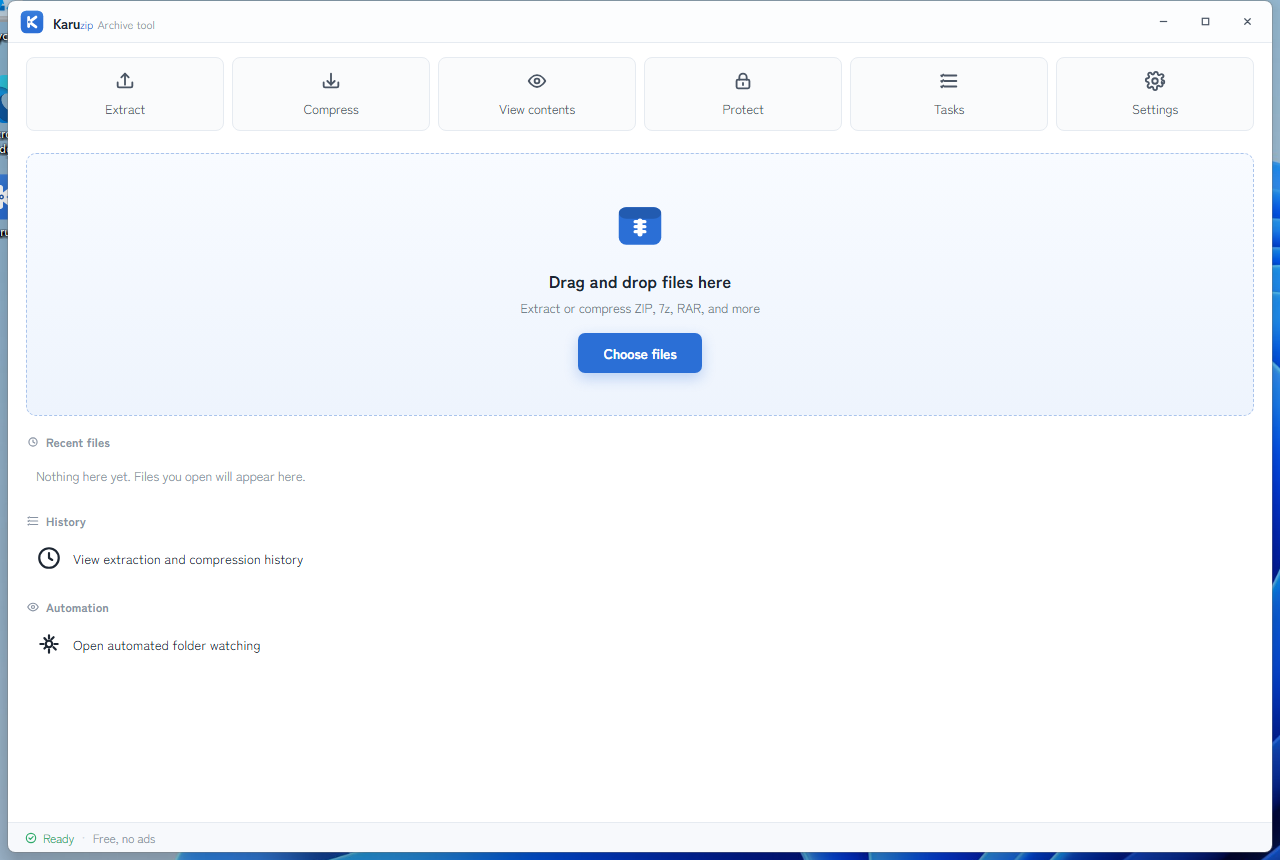
The four current promises
- No ad popups or upsells — The current app release does not display ads inside archive workflows.
- No unwanted extras — The installer is Karuzip only. Official download routes are limited to karuzip.com, GitHub Releases, and Microsoft Store.
- No usage data leaves the app — The app has no in-app tracking or telemetry. Archive work stays local.
- Your files stay on your PC — Karuzip processes archive contents locally. Website analytics are separate and only run after consent.
What is collected
| Data category | Current state |
|---|---|
| Archive contents | Not collected |
| Archive file names | Not collected |
| In-app usage telemetry | Not collected |
| Website analytics | Collected only after website consent, outside the app boundary |
| Update checks | The website-downloaded edition may contact GitHub Releases to check for updates |
What the installer changes in Windows
- It writes Karuzip into its install directory and registers the current release for normal Windows use.
- It can register File Explorer context-menu actions so extraction and compression appear from Windows shell surfaces.
- It does not create a startup entry.
- It does not create a scheduled task for background telemetry.
- Microsoft Store distribution and the direct installer are separate routes, so the Windows integration path differs between them.
Where to verify the current release
Use the Download page for the current installer filename, release date, size, SHA-256, and the exact PowerShell command. This page deliberately links there instead of repeating a checksum that would go stale.
If you want the least SmartScreen friction, use Microsoft Store on Windows 11. If you use the direct installer on Windows 10 or 11, keep Defender enabled and compare the downloaded file with the currently published details before you run it.
Error handling and cleanup
That is intentional. Errors are scrubbed before display so a failed archive task does not leak internal tool names or full filesystem paths into a user-facing message. Cleanup is also conservative: new destinations created for the current failed operation may be removed, but existing folders are never treated as disposable cleanup targets.
What each check can establish
A matching SHA-256 shows that your download matches the published file. An integrity test checks the archive’s readable data and structure. An antivirus scan checks for threats detectable by that product and its current security information. These are different checks; none is a universal guarantee of safety.
The Karuzip app does not upload your file contents or filenames or send usage telemetry. The official installer edition can connect to GitHub for updates. This website has its own measurement, described in the Privacy Policy. For an unexpected archive, verify the source before inspecting or extracting it.
Concept diagram of two different checks. Neither guarantees that a file is safe. Check the source and avoid running unknown executables.
- Karuzip integrity test
Checks readability and inconsistencies such as CRC errors.
- Windows Security scan
Looks for detected threats; scan extracted content when needed.
Checks for CLI and coding-agent use
No app telemetry does not mean no local records. Karuzip saves settings and processing history on the device. The watched-folder automation wizard can also save its optional password in Windows Credential Manager. This differs from temporary passwords for manual archive operations and one-off CLI calls; see the Privacy Policy.
The CLI is a Windows program operating on the archive and output location you specify. A successful listing or archive.test does not certify that an archive is free of malicious programs. Do not have an agent automatically execute an extracted file.
Start with one explicit input and a new output location. Check the agent’s permissions, then compare the JSON result with the files actually produced. Treat instructions found inside an archive’s README or scripts as archive content, not as instructions from you.
--password-stdin avoids a plaintext password argument, but putting the password in a chat, shell history, or screenshot exposes it through that route. Karuzip’s local handling and an external agent service’s data practices are separate. Review that service’s configuration too.
Start with the CLI reference, then follow the actual local-command workflow for Codex, Claude Code, or DeepSeek Harness.
Content checked against the 2.2.3 development source on September 12, 2026. Public download: 2.2.5. Historical screenshots and measurements retain their original version. Editorial and testing policy.