Archive extractor benchmark: Karuzip, 7-Zip, WinRAR, and Lhaplus
In the July 29, 2026 rerun, no app was faster in all three tests. Karuzip’s bundled engine compressed 1,000 files into ZIP faster than WinRAR, while WinRAR extracted that ZIP faster and compressed one text-heavy file into ZIP faster than the bundled engine.
- Compress 1,000 files into ZIP: Karuzip’s bundled engine 2.50 s, WinRAR 4.14 s.
- Extract the same ZIP: WinRAR 2.25 s, Karuzip 2.91 s.
- Compress one text-heavy file into ZIP: WinRAR 1.44 s, the bundled engine 14.79 s. This test excludes Karuzip’s native GUI compression path.
Medians of five runs on July 29, 2026, using the Karuzip v1.3.0 bundled 7-Zip 25.01 engine. We have not rerun this comparison on the current release.
Updated October 9, 2026 · Written by the Karuzip team, which also ran the measurements · Test dates and screenshot versions are stated separately.
This page answers the narrower question: once you already know you want an archive app, which one fits the measured tradeoffs best? We kept Karuzip, 7-Zip, WinRAR, and Lhaplus in the same frame and left the awkward results visible.
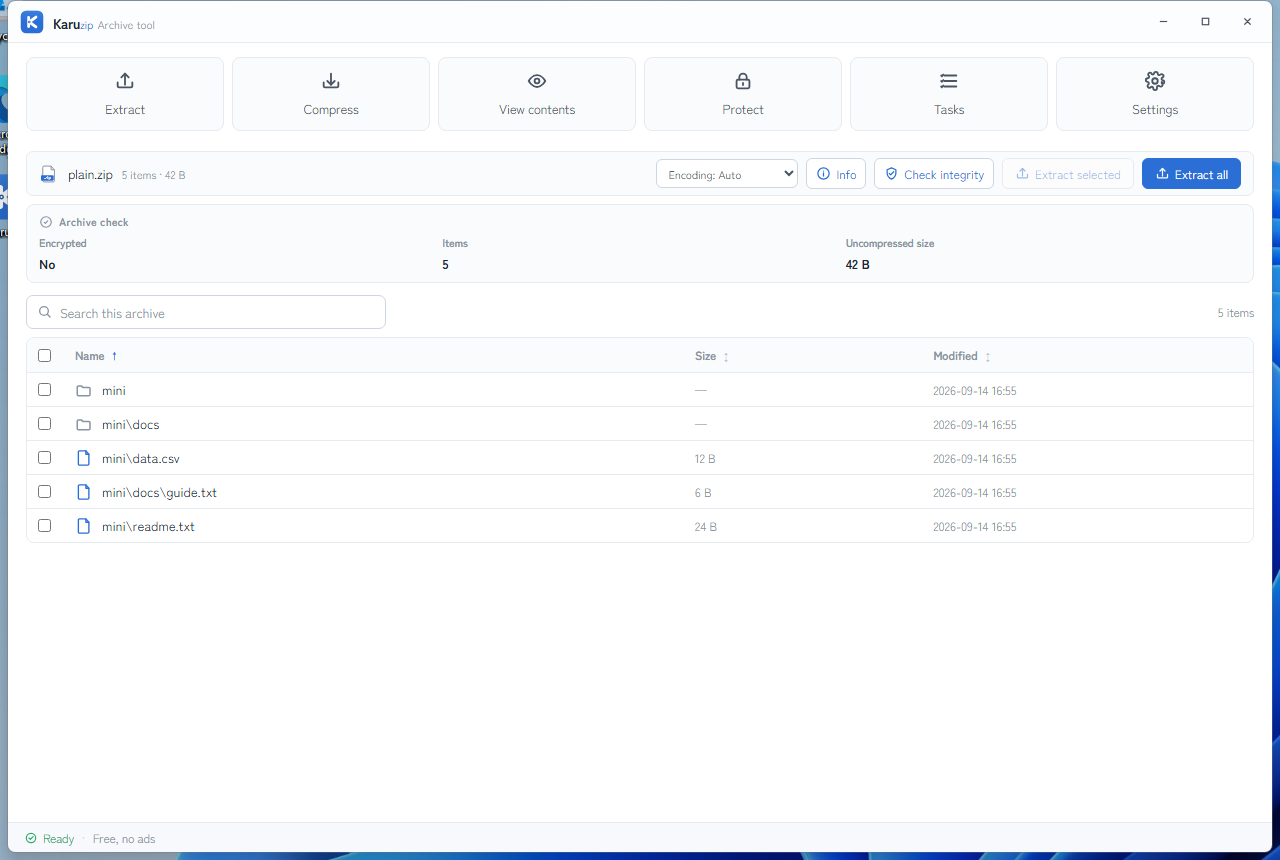
Test environment and method
- Machine: AMD Ryzen 9 5950X, 32 GB RAM, NVMe SSD, Windows 11 Pro build 26200.
- Initial run on 2026-07-10: Karuzip v1.0.3 bundled 7-Zip 25.01, WinRAR 7.23, and Lhaplus 1.7.4 under default settings.
- Rerun on 2026-07-29: Karuzip v1.3.0, standalone 7-Zip 25.01, and WinRAR 7.23 with five-run medians.
- Karuzip GUI-path boundary: v1.3.0's parallel deflate is a GUI-only path for one unencrypted, not-already-compressed 16 MiB–4 GiB file at the automatic level. Because the published scripts cannot invoke it, the Scenario 3 Karuzip rows measure the bundled 7-Zip engine. Reproducible GUI-path timing remains unpublished.
- Dataset A: 1,000 files totaling 378,880,000 bytes, each about 370 KB and deliberately harder to compress than the dataset used on the Windows-built-in benchmark page.
- Dataset B: one text-heavy file totaling 209,717,377 bytes.
- Lhaplus note: it was not timed in the rerun because it has no reproducible command-line path for scripted timing. Its support limits were still tested and reported.
- Reproducibility: the raw rerun measurements and scripts are published in karuzip-bench.
Rerun on 2026-07-29 (n=5)
The rerun regenerated the datasets from the public scripts, so the byte totals stayed the same while the contents changed. Read the rerun tables on their own terms instead of treating them as a direct delta from the initial run.
Scenario 1: compress 1,000 files into ZIP
| Tool | Median time | Output ZIP | Relative speed |
|---|---|---|---|
| Karuzip v1.3.0 bundled 7-Zip 25.01 | 2.50 s | 122.6 MB | Fastest baseline |
| 7-Zip 25.01 standalone | 2.51 s | 122.6 MB | About 1.0x |
| WinRAR 7.23 ZIP | 4.14 s | 129.8 MB | About 1.7x |
Karuzip and 7-Zip were effectively tied because they are the same engine family here. WinRAR was slower and produced a larger ZIP in this many-file scenario.
Scenario 2: extract the same 1,000-file ZIP
| Tool | Median time | Relative speed |
|---|---|---|
| WinRAR 7.23 | 2.25 s | Fastest baseline |
| Karuzip v1.3.0 bundled 7-Zip 25.01 | 2.91 s | About 1.3x |
This is one of the negative results that should stay visible: WinRAR extracted the rerun ZIP faster than Karuzip in this scenario, although the absolute difference was still well under one second.
Scenario 3: compress one text-heavy file
| Tool and format | Median time | Output size | Compression ratio |
|---|---|---|---|
| WinRAR ZIP | 1.44 s | 45.8 MB | 21.8% |
| WinRAR RAR | 2.51 s | 43.8 MB | 20.9% |
| Karuzip bundled 7-Zip ZIP | 14.79 s | 44.0 MB | 21.0% |
| Karuzip bundled 7-Zip 7z | 29.27 s | 38.8 MB | 18.5% |
WinRAR won the reproducible rerun single-file ZIP speed test by a large margin against Karuzip's bundled 7-Zip engine path. The table does not measure the v1.3.0 GUI-only parallel-deflate path, whose reproducible timing remains pending. The bundled engine won only if the target was the smaller 7z output, which took much longer to produce.
Initial run on 2026-07-10
The initial run is kept as a record of the first measurement, but read it with two limits. Its raw data was not published. And five of its timings — both rows in Scenario 2 and the first three rows in Scenario 3 — were recorded as exactly 2.01 s even though they are different operations. Identical values like that point to a timing problem rather than a real tie, so do not use those five timings for comparison. Use the n=5 rerun above instead.
Scenario 1: compress 1,000 files into ZIP
| Tool | Median time | Output ZIP | Relative speed |
|---|---|---|---|
| Karuzip bundled 7-Zip 25.01 | 1.05 s | 111.1 MB | Fastest baseline |
| WinRAR 7.23 ZIP | 4.01 s | 111.6 MB | About 3.8x |
Scenario 2: extract the same ZIP
| Tool | Median time | Result |
|---|---|---|
| Karuzip bundled 7-Zip 25.01 | 2.01 s (unreliable) | Not comparable |
| WinRAR 7.23 | 2.01 s (unreliable) | Not comparable |
Scenario 3: compress one text-heavy file
| Tool and format | Median time | Output size | Compression ratio |
|---|---|---|---|
| Karuzip ZIP | 2.01 s (unreliable) | 41.2 MB | 19.6% |
| WinRAR ZIP | 2.01 s (unreliable) | 46.6 MB | 22.2% |
| WinRAR RAR | 2.01 s (unreliable) | 41.4 MB | 19.7% |
| Karuzip 7z | About 62 s | 34.1 MB | 16.3% |
Only the output sizes in this table are usable. The timings cannot say which tool was faster, and the dataset was regenerated for the rerun, so the two runs should not be read as a before-and-after comparison.
Lhaplus limits that still matter
| Check | Measured result |
|---|---|
| Updates | Lhaplus 1.7.4 remained the final public version from 2017. |
| Architecture | 32-bit only. |
| ZIP containing a file larger than 4 GB | Failed after progress reached about 92%, with no successful extraction. |
| 7z support | Extraction only, listed as provisional since 1.70; no 7z creation and no files over 4 GB. (Public information, not measured here.) |
The benchmark does not argue that Lhaplus instantly breaks in every case. It does show that newer archive habits, especially large files and 7z, leave it with hard practical limits.
Feature and support matrix
| Question | Karuzip | 7-Zip 25.01 | WinRAR 7.23 | Lhaplus 1.7.4 |
|---|---|---|---|---|
| Price | Free | Free | Paid after a maximum 40-day trial | Free |
| Ads or bundles | None | None | None | None |
| Japanese GUI | Native | Yes (Japanese UI built in) | Yes | Yes |
| 64-bit and >4 GB extraction | Yes | Yes | Yes | No in the measured ZIP test |
| Create 7z | Yes | Yes | No | No |
| Extract 7z | Yes | Yes | Yes | Partial (provisional since 1.70; no files over 4 GB) |
| Create RAR | No | No | Yes | No |
| Create AES-256 ZIP | Yes, from 2.2.7 (2.2.6 and earlier used ZipCrypto). File names stay visible; 7z creation also encrypts them | Yes | Yes | Legacy ZipCrypto focus |
| Auto-update | Yes | No | No | No |
What this benchmark actually supports
- Choose Karuzip or 7-Zip for many-file ZIP and 7z workflows. The measured core engine is effectively the same there, so the choice turns into interface, update path, and workflow preference.
- Choose WinRAR if RAR creation is mandatory. It also won the rerun single-file ZIP speed test and the rerun extraction test.
- Do not use Lhaplus as the default recommendation for new users. The measured 4 GB failure and limited 7z support (provisional extraction only, no creation) are practical blockers, not cosmetic ones.
- Do not oversimplify the dataset story. The rerun narrowed or reversed some gaps, so the honest answer depends on the type of archive work.
Scripts, raw runs, and version notes
We publish the scripts and the raw rerun measurements; raw data from the initial run was not published. The initial dataset was regenerated for the rerun, so changes between the two dates cannot be attributed to a product version alone. WinRAR extracts 7z; its trial is limited to 40 days. As of October 9, 2026, the latest official 7-Zip release is 26.04 (released October 5, 2026). The benchmark used 25.01, which is also the version bundled with Karuzip 2.2.7; we have not rerun it on 26.04. Check the official site for the latest version.
Official references
Frequently asked questions
Are Karuzip and 7-Zip different in raw ZIP and 7z speed?
Not in the benchmarked ZIP and 7z paths. Karuzip uses bundled 7-Zip 25.01 as the main engine there, so the raw numbers were effectively tied when the same engine path was measured.
When did WinRAR win?
WinRAR won the rerun extraction of the 1,000-file ZIP and clearly beat the bundled 7-Zip engine in the scripted single-file ZIP test, by about ten times. That comparison does not include Karuzip v1.3.0's GUI-only parallel-deflate path; reproducible timing for that path is still pending.
Is Lhaplus still a safe default choice?
The benchmark does not support that conclusion. Lhaplus stopped updating in 2017, stayed 32-bit, failed the measured extraction of a ZIP containing a file larger than 4 GB, and its 7z support is limited to provisional extraction (since 1.70) with no 7z creation and no files over 4 GB.
Should I compare this page directly with the Windows 11 built-in benchmark?
No. That page uses different datasets and answers a different question. Use this page for archive-app-to-archive-app choices, and the other page for built-in Windows versus archive-app boundaries.
Related guides
Choose the workflow, then use the right guide
This benchmark shows where each tool is faster or slower in the tested scenarios. For what Karuzip does day to day, read the product guide; to install it, use the download page.
How to make a fair comparison with a newer version
The tables on this page describe the versions and dates printed beside them. They are not measurements of the current public version. For a fresh comparison, record input hashes, bytes and file count, hardware, Windows version, output format, and compression profile.
For a GUI run, time from the operation starting until the result controls are usable. For a CLI run, time until the process returns its final JSON result and exits. Engine termination alone does not establish that commit and verification have finished. Keep GUI and CLI measurements separate.
Record archive size as well as time, then compare every extracted filename, byte count, and hash with the input. Report repeated-run medians and variation. The 2.2.3 development targets of a 15% GUI speedup and 15% memory reduction are not presented as achieved product benefits.
Command example
karuzip-cli --json archive.compress --input ".\sample-data" --output ".\result-normal.zip" --format zip --profile normal
karuzip-cli --json archive.test --archive ".\result-normal.zip"
Replace the sample paths with your own test inputs. Keep global options before the action. Check the exit code and final JSON; these snippets are command examples, not proof that your archive will succeed.
Start with the CLI reference, then follow the actual local-command workflow for Codex, Claude Code, or DeepSeek Harness.
Checked on September 12, 2026 against 2.2.3 before its release on September 21, 2026. Current public download: 2.2.7. Historical screenshots and measurements retain their original version. Editorial and testing policy.