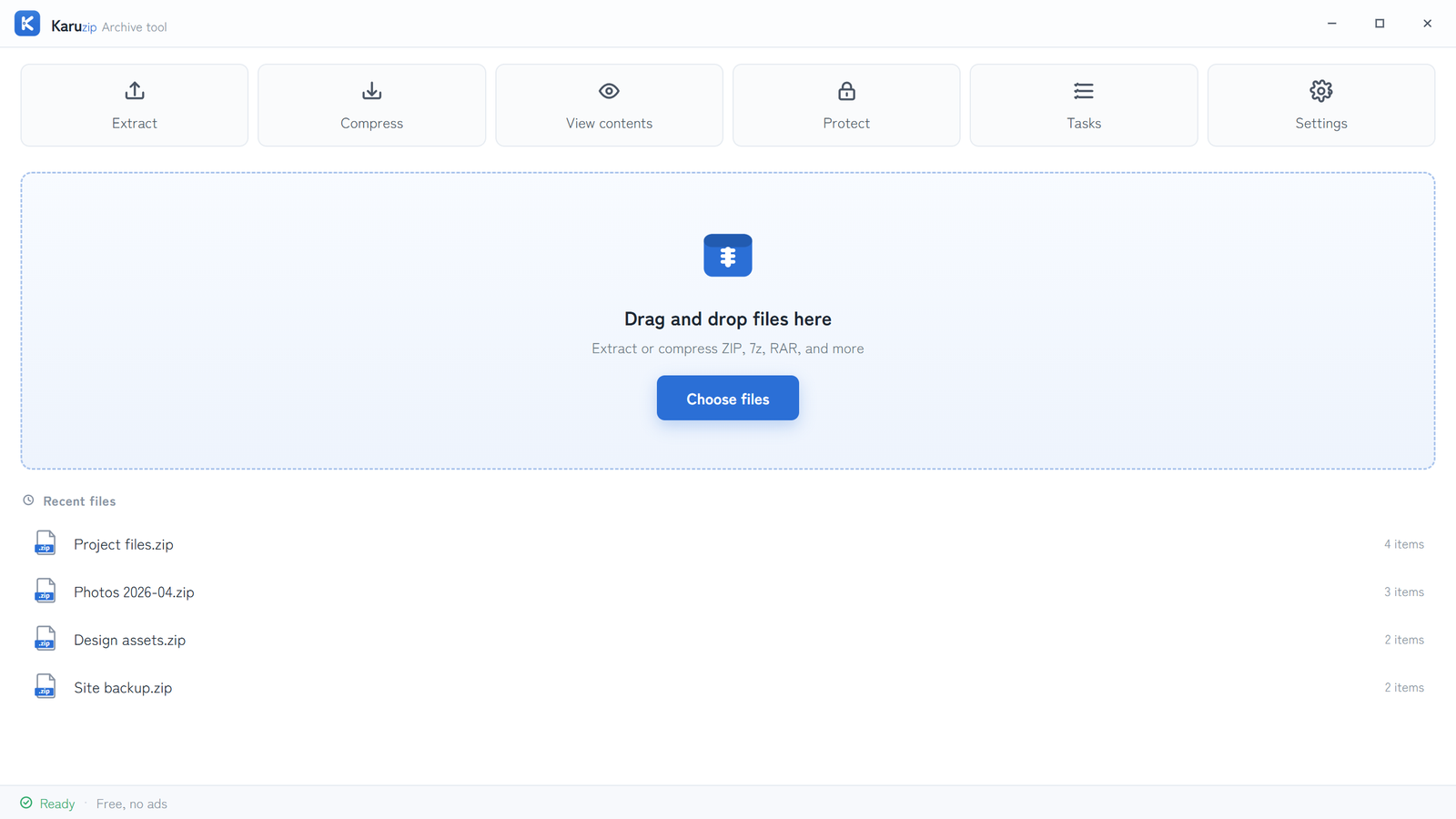
Windows 11 can create ordinary ZIP files, but it does not create encrypted archives in File Explorer. For password protection, use Karuzip and pick ZIP or 7z based on compatibility and confidentiality needs.
This page is about archive creation, not password recovery. Decide the format first, create the archive once, then open that same archive again to confirm the recipient workflow before you send it.
Use a four-step creation flow
- Choose the files and start compression.Use the main app or File Explorer integration to open Compression settings.
- Pick ZIP or 7z before you enter the password.Karuzip supports password protection only for ZIP and 7z. Other archive formats do not support password protection in Karuzip.
- Turn on password protection and confirm the password.Enter the password twice and verify it before you continue. Karuzip uses a dedicated password flow rather than silently leaving the archive unprotected.
- Open the new archive once before you share it.Confirm the archive prompts as expected and that the intended files can be extracted with the password.
Test the same format you plan to send, and tell the recipient whether you created a ZIP or a 7z archive.
ZIP and 7z are not the same choice
| Need | Protected ZIP | Protected 7z |
|---|---|---|
| Compatibility | Usually easier to share with mixed recipients | Requires a recipient tool that supports 7z |
| Password support in Karuzip | Supported | Supported |
| Filename confidentiality | ZIP does not hide file names the same way 7z can | 7z encrypts file names too |
| Forgotten password recovery | Not possible in Karuzip | Not possible in Karuzip |
When the recipient cannot open the archive
- Confirm whether you sent a ZIP or a 7z archive.
- Confirm the exact copied password, including spaces and capitalization.
- Open the archive on your own PC again to compare the prompt and outcome.
- If the recipient environment is limited, recreate the archive as ZIP and test again.
Karuzip does not recover, crack, guess, or remove archive passwords. If the password itself is lost, create a new archive from the original files instead of trying to repair the protected one.
Frequently asked questions
Can I create a password-protected ZIP in Windows Explorer?
No. Windows Explorer can create ZIP files, but Microsoft states that encrypted archive operations are not supported in Windows 11 version 24H2. Use a compatible archive tool when you need password protection.
Should I use ZIP or 7z if I want password protection?
Use ZIP for broader compatibility. Use 7z when you want stronger default encryption behavior and encrypted file names. Karuzip supports password protection only for ZIP and 7z.
What should I do if a colleague cannot open the archive?
Confirm the password was copied completely, verify whether the recipient opened the same archive format, and test the archive on a second app or PC before you resend it.
Can I recover a forgotten archive password?
No. Karuzip does not recover, crack, guess, or remove archive passwords. Keep a secure backup of the password at the time of creation.
Should I share password-protected ZIPs by email?
Prefer separate channels for the archive and the password, and verify the extracted result yourself before you send the archive to someone else.
Official references
- Microsoft Support: Zip and unzip files — current Windows 11 archive support and encrypted-archive limitation (accessed August 13, 2026).
- PKWARE APPNOTE — ZIP structure and metadata behavior (accessed August 13, 2026).
- 日本語版:パスワード付き ZIP の作り方 — current Karuzip archive-creation flow and format selection guidance (accessed August 13, 2026).
Create the archive once, then verify it before you send it
Karuzip can create password-protected ZIP and 7z archives with no ads or app telemetry. The Microsoft Store version is for Windows 11. The 64-bit direct-download installer supports Windows 10 and Windows 11, but it is an unsigned beta.
