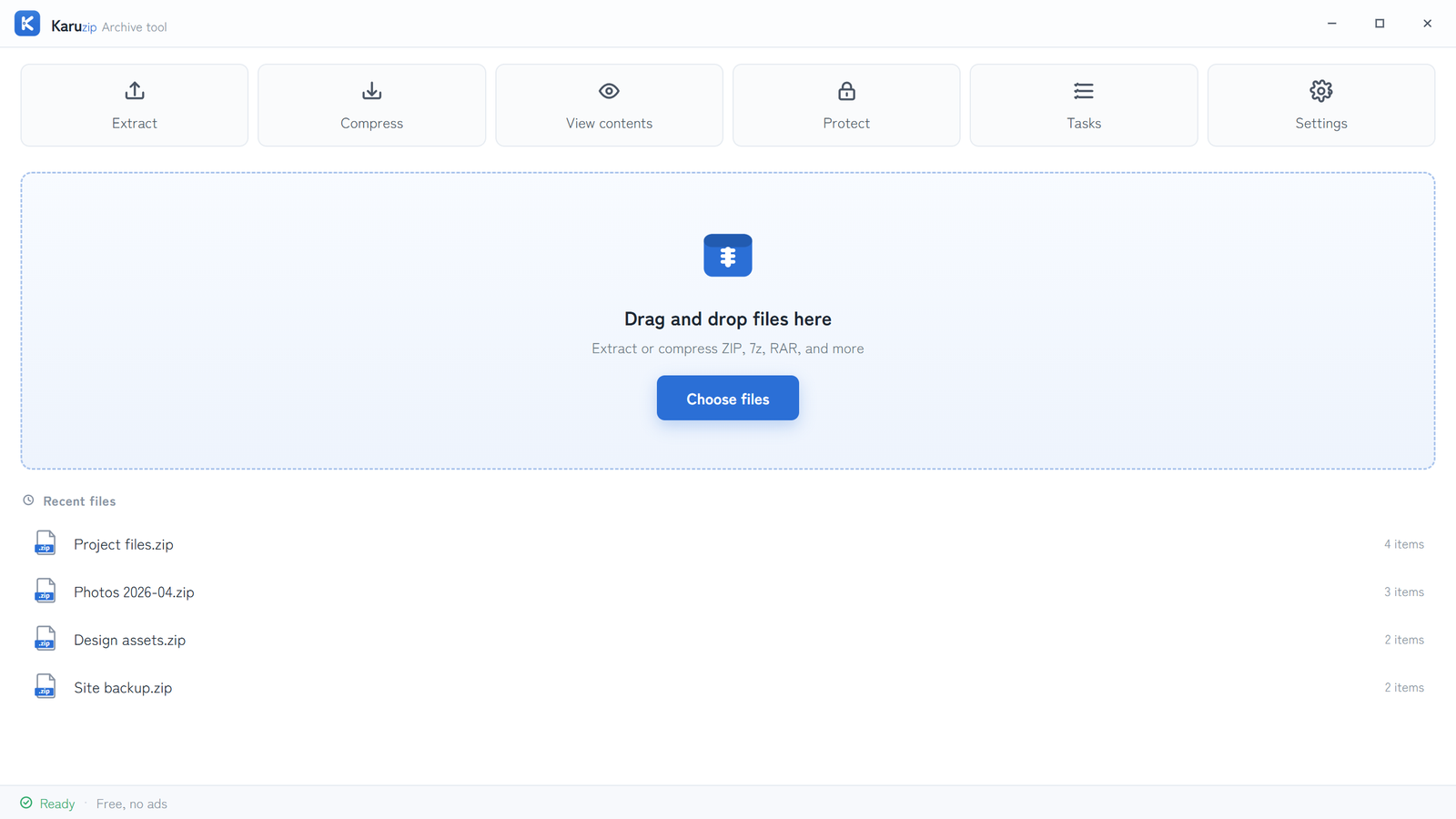
Download Karuzip only from the official website, GitHub Releases, or Microsoft Store. The app has no ads, tracking, or telemetry, but the website uses analytics separately after consent.
Safety is a chain, not a slogan. The useful questions are where the installer came from, whether you can verify the release you received, what Windows is warning about, and what the app actually sends—or does not send—after installation.
Use only the official distribution channels
karuzip.com
Direct-download installer for Windows 10 and Windows 11. This is the route that can later check GitHub Releases for updates.
Public release files
Use the official release files and release notes from the Karuzip repository when you want to inspect published assets directly.
Windows 11 signed route
Microsoft-signed distribution for Windows 11. Use this if you want the least SmartScreen friction.
Mirrors and repacks
Do not treat third-party mirrors, download portals, or repack sites as trusted sources for Karuzip.
If you found the installer anywhere else, treat that copy as unverified even if the filename looks correct.
What to verify before you run the installer
- Confirm the source.Use one of the three official channels only, and keep the URL visible while you download.
- Check the published release details.Use the release notes or the public release files to confirm you downloaded the expected version.
- Verify the published hash if you need a stronger check.The SHA-256 value changes for each release, so compare it against the current published value instead of an old article screenshot or a copied forum post.
- Choose the distribution path that matches your Windows version.Use Microsoft Store on Windows 11 for Microsoft-signed distribution, or the direct installer for the Windows 10 / 11 installer route.
In PowerShell, run Get-FileHash .\Karuzip-Setup.exe -Algorithm SHA256 in the folder that contains the installer, then compare the result with the value currently published on karuzip.com or the matching GitHub release. A matching hash proves that the bytes match that published file; it is not a substitute for checking the source and keeping Windows security enabled.
Why SmartScreen can still warn
The direct-download installer is an unsigned beta. On Windows, that can trigger the familiar unrecognized app warning in Microsoft Defender SmartScreen. That is a reputation warning, not proof of malware.
Microsoft Store route
Use this on Windows 11 when you want Microsoft-signed distribution and first-menu Explorer integration.
Direct installer route
Use this when you need Windows 10 support or the classic installer route. You are expected to verify the release yourself if SmartScreen warns.
If SmartScreen warns on the direct installer, do not answer by disabling Defender or lowering system protection. First confirm that the file came from an official channel and that the published release details match what you downloaded.
What the app sends, and what the website sends
The app has no ads, tracking, or telemetry. Archive processing stays on your PC. The website uses analytics separately, only after consent, and that behavior is documented in the Privacy Policy.
| Topic | App | Website |
|---|---|---|
| Ads and telemetry | None | GA4 only after consent |
| Archive contents and names | Processed locally | Not uploaded by the app |
| Update checks | Website-downloaded edition may contact GitHub Releases | Separate from app telemetry |
| Language preference | App setting only | Stored in browser localStorage |
Do not describe Karuzip as fully offline. The correct boundary is that it does not send archive contents, file names, or in-app usage telemetry.
What failure cleanup can remove
Karuzip's extraction cleanup is deliberately limited. If a failed or cancelled attempt created a new destination for that operation, Karuzip may remove that new destination. An existing destination is never treated as a cleanup target, because it may contain unrelated files that existed before Karuzip started.
If you extracted into an existing folder, review any partial output yourself. Karuzip does not delete that existing folder to make the failure look tidy.
Frequently asked questions
Where should I download Karuzip from?
Official Karuzip downloads are limited to karuzip.com, GitHub Releases, and Microsoft Store. Treat third-party mirrors and repack sites as unverified.
Why can Windows show a SmartScreen warning for the direct installer?
The direct-download installer is an unsigned beta, so Microsoft Defender SmartScreen can show an unrecognized-app warning. That is a reputation warning, not proof of malware.
Does Karuzip send telemetry from the app?
No. The app has no ads, tracking, or telemetry. Archive work stays on your PC. The website uses analytics separately, only after consent, as described in the Privacy Policy.
Can the website-downloaded app contact the network later?
Yes. The website-downloaded edition may contact GitHub Releases to check for updates. That does not include your archive contents, file names, or in-app usage telemetry.
Which version should I use if I want the least warning friction?
Use the Microsoft Store version on Windows 11 if you want Microsoft-signed distribution. Use the 64-bit direct installer only when you need the Windows 10/11 installer route and are prepared to verify the release yourself.
Official references
- Microsoft Support: App & browser control in Windows Security — reputation-based checks for apps and downloaded files (accessed August 12, 2026).
- Microsoft Learn: Microsoft Store certification process — Store identity, signing, security, technical, and content checks (accessed August 12, 2026).
- Microsoft Learn: Get-FileHash — calculating a SHA-256 hash in PowerShell (accessed August 12, 2026).
- Karuzip on GitHub: public release files — release notes and downloadable assets; this public repository is not the private source repository (accessed August 12, 2026).
- Karuzip Privacy Policy — app-versus-website data handling, consent, and update-check boundaries (accessed August 12, 2026).
Download from the route you can verify
Use Microsoft Store on Windows 11 for Microsoft-signed distribution, or use the 64-bit direct installer for Windows 10 / 11 and verify the published release details first.