Extract without extra nesting
Karuzip checks the archive structure and chooses a sensible destination. When a name already exists, choose Replace, Skip, or Keep both.
Free archive tool for Windows
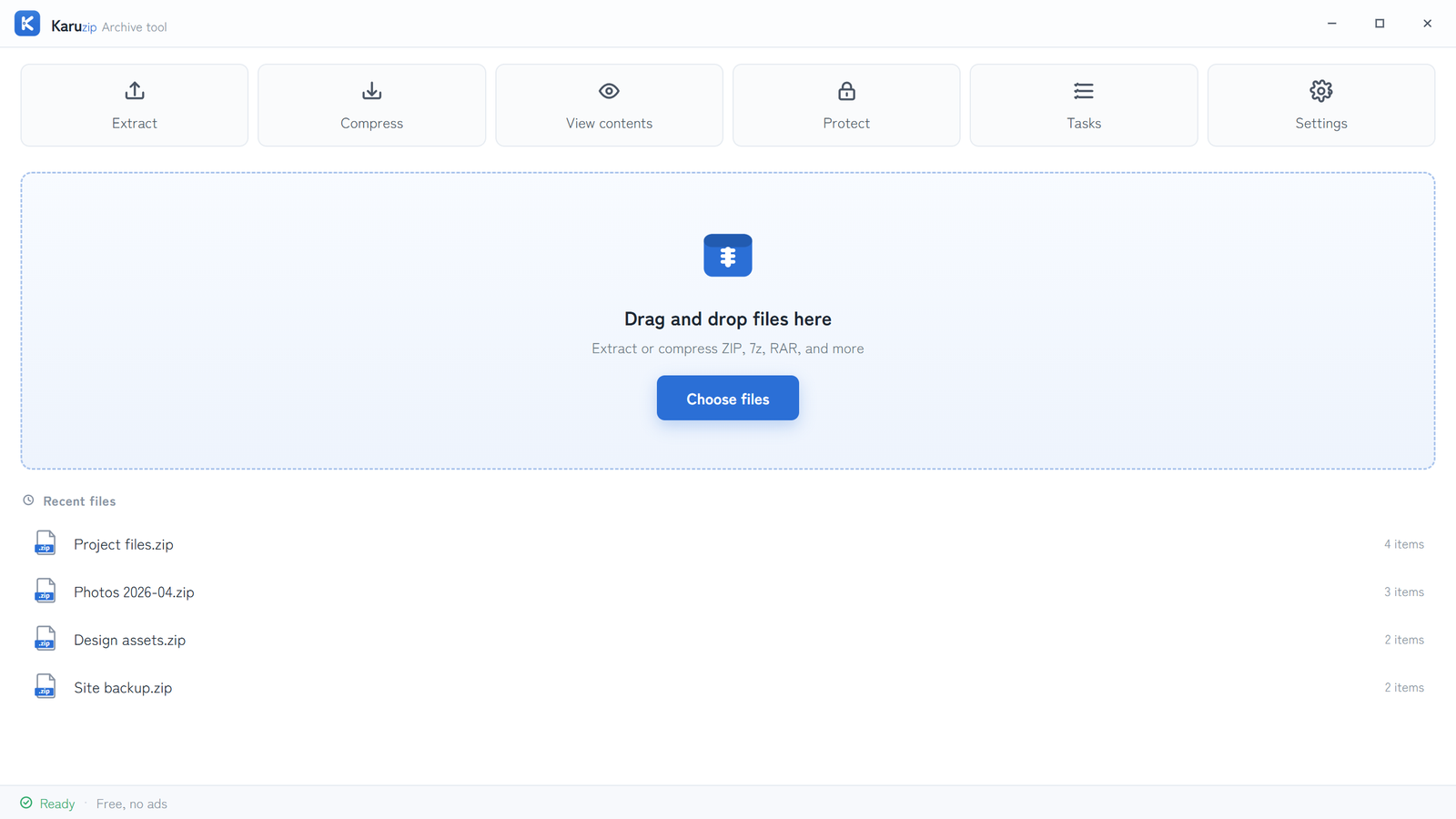
Karuzip is a free archive tool for Windows 10 and 11. View contents, check integrity, fix filename encoding in older ZIP files, and create ZIP, 7z and other archives—without ads or app telemetry.
A cross-language ZIP fix
Older ZIP files may not say which filename encoding they use. Preview the file list, then manually choose Auto, UTF-8, Japanese (CP932), Simplified Chinese (GBK), or Traditional Chinese (Big5) before extracting.
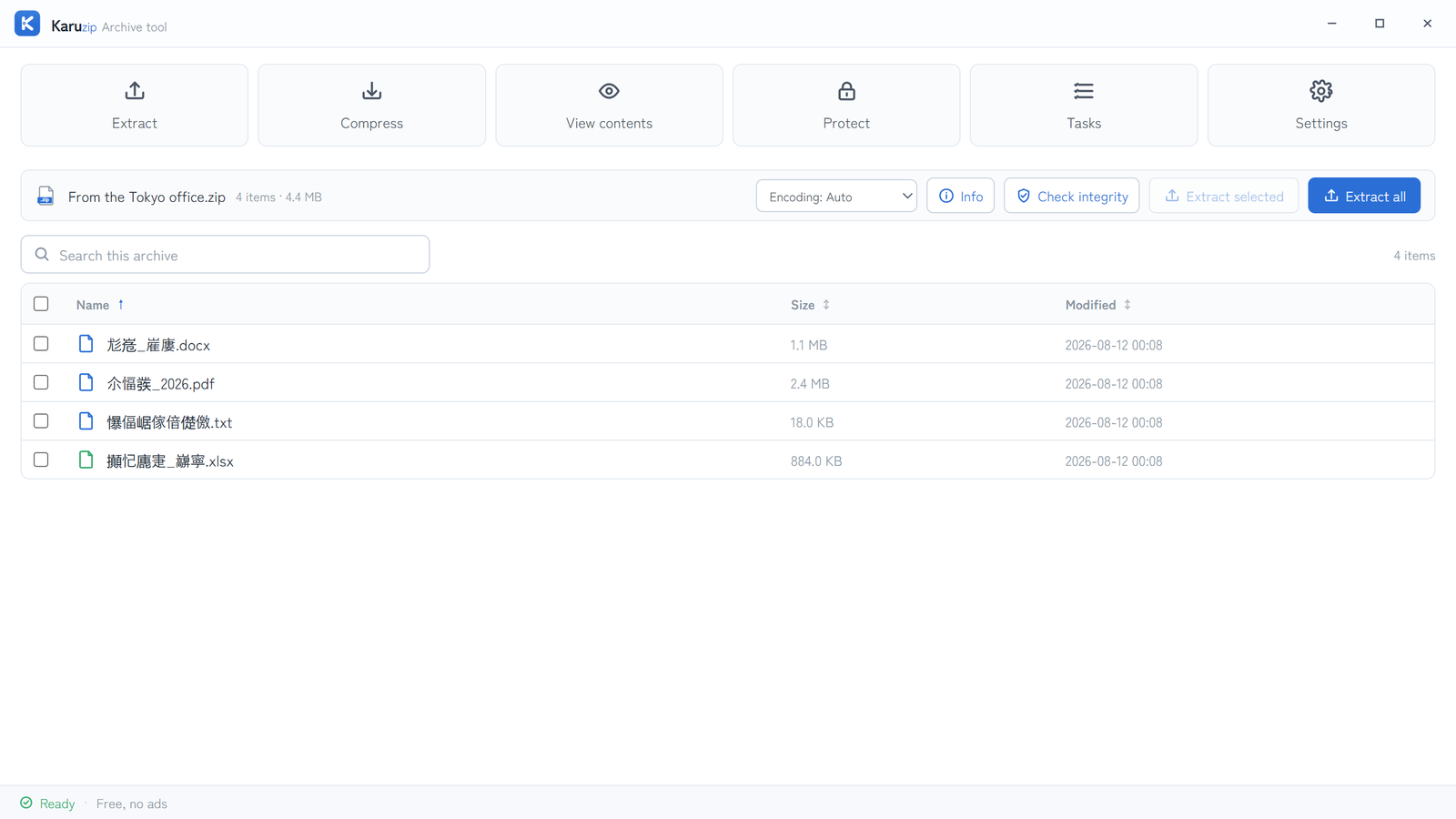
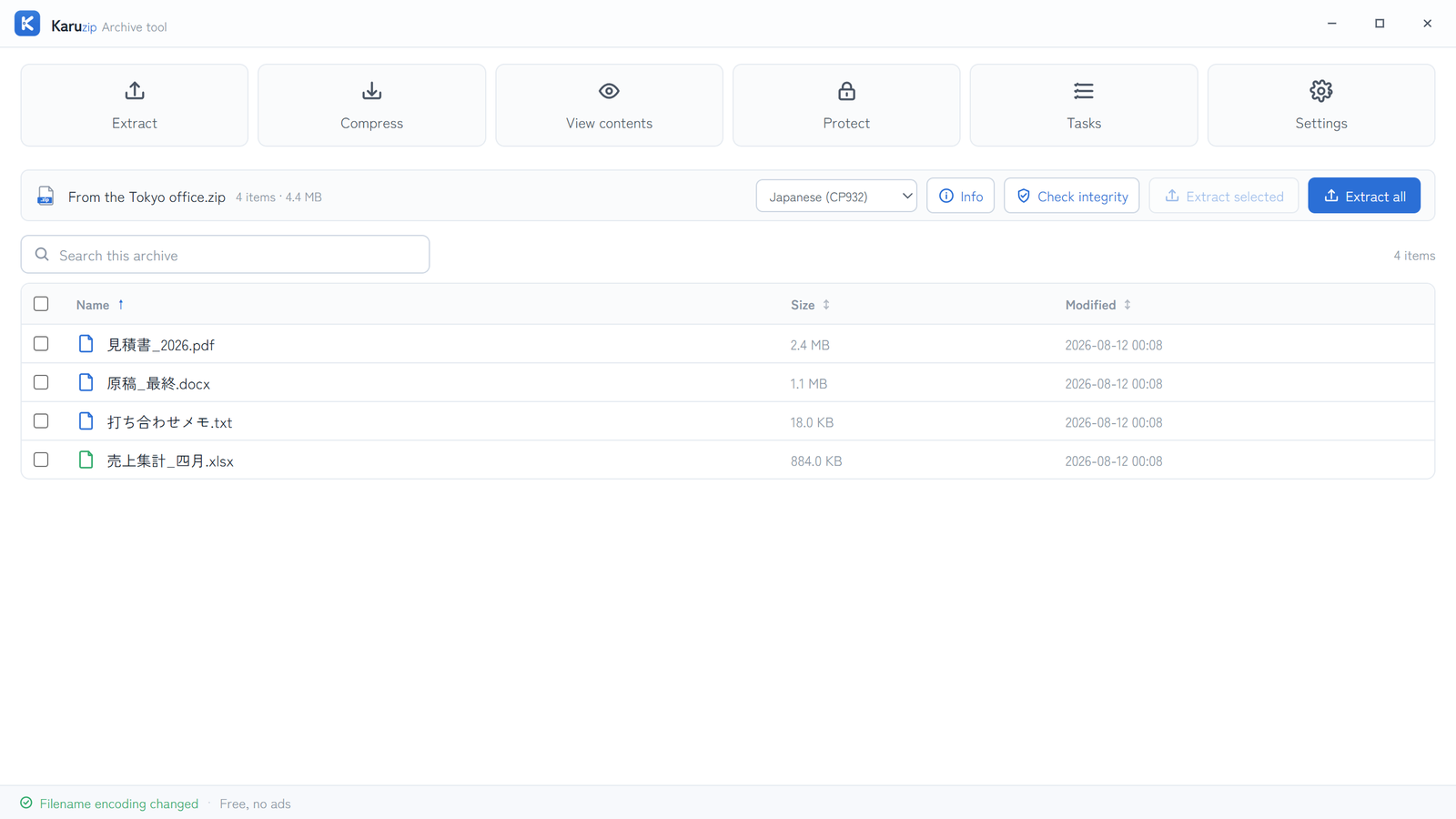
How to use it: choose View contents, open Filename encoding, then select the encoding that makes the names readable. Karuzip does not guess the encoding automatically. Right-click extraction uses Auto. Filename encoding cannot be selected when creating archives.
One tool, six clear jobs
Use the main window when you want control, or work directly from File Explorer. The context menu follows the language selected in Karuzip.
Karuzip checks the archive structure and chooses a sensible destination. When a name already exists, choose Replace, Skip, or Keep both.
Create ZIP, 7z, TAR, GZIP, BZIP2, XZ, or WIM archives. ZIP and 7z can be protected with a password.
Search and sort archive contents, inspect details, and extract only the files you select.
Check the archive contents for damage without extracting them. Karuzip reports a clear result when the check finishes.
Extract here, extract to a folder, or compress to ZIP or 7z from the context menu. The Store version uses the Windows 11 first-level menu; the direct-download version uses the classic cascading menu.
Multiple requests run one at a time. Progress shows completed items and estimated time remaining.
Built for real archives
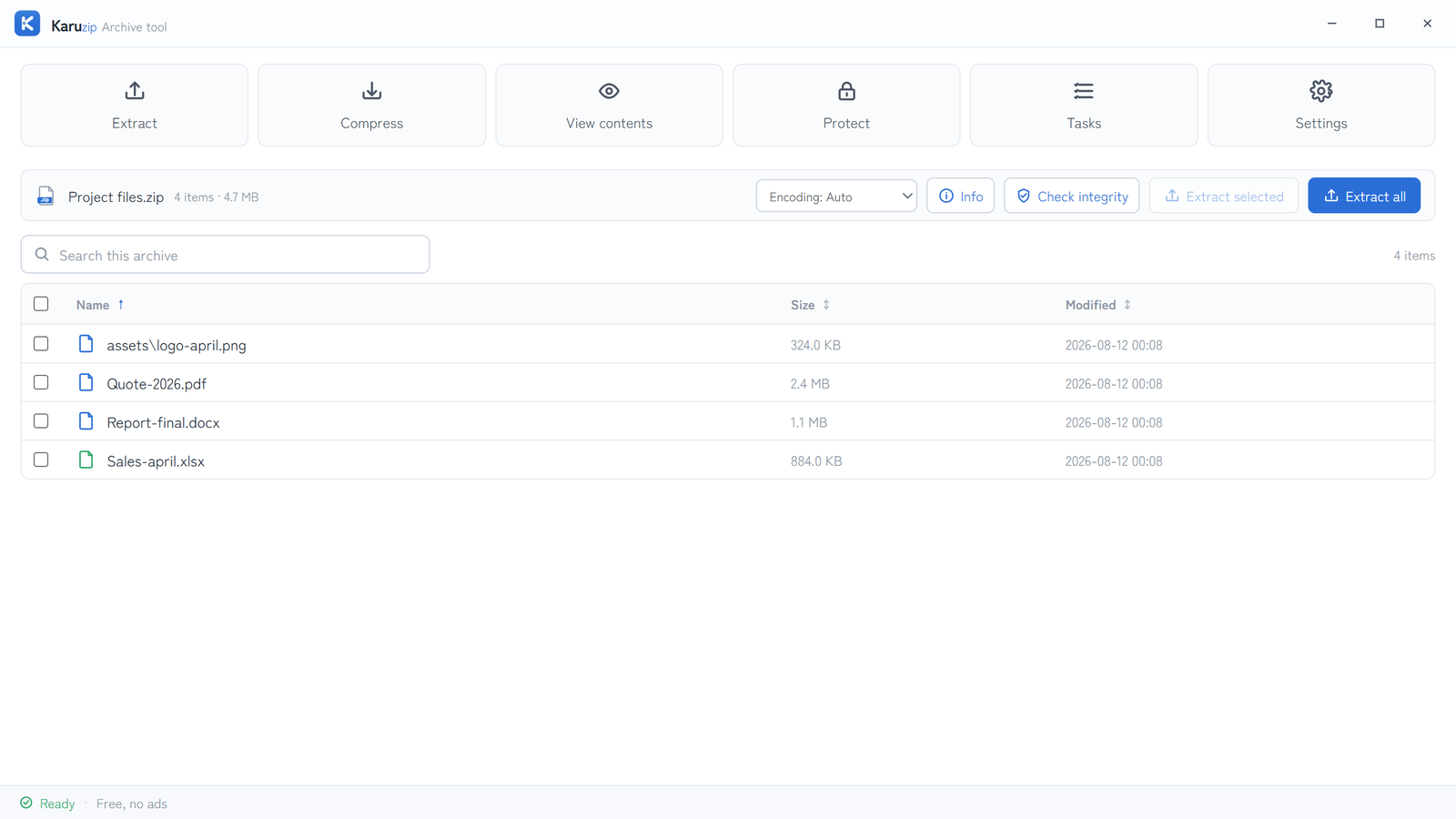
Karuzip keeps long archive listings responsive with virtual scrolling. Select a folder, a range, or only the filtered results, then extract just what you need.
The remaining 90 registered extensions are supported by an included engine but have not been verified with a real sample. RAR extraction is supported; RAR creation is not.
Before you install
Karuzip has two distribution routes. Choose the Microsoft Store on Windows 11 for Microsoft-signed installation, or the official installer for Windows 10 and Windows 11.
Yes. Karuzip is free to use, with no ads, in-app purchases or bundled offers in the current release.
Yes. Karuzip can extract RAR archives, but it does not create RAR archives.
Open the ZIP with View contents, then change Filename encoding to UTF-8, Japanese (CP932), Simplified Chinese (GBK), or Traditional Chinese (Big5) before extracting.
No. Archive processing stays on your PC. The app has no ads, tracking, or telemetry. This website uses GA4 as described in the Privacy Policy.
The Microsoft Store version is for Windows 11. The 64-bit official installer supports Windows 10 and Windows 11.
The direct-download installer is an unsigned beta, so Microsoft Defender SmartScreen may show an “unrecognized app” warning. This is a reputation warning, not a malware detection result. You can verify the published SHA-256 hash, or use the Microsoft-signed Store version on Windows 11.
Choose the Microsoft Store version for Windows 11, or download the unsigned installer for 64-bit Windows 10 and 11.